
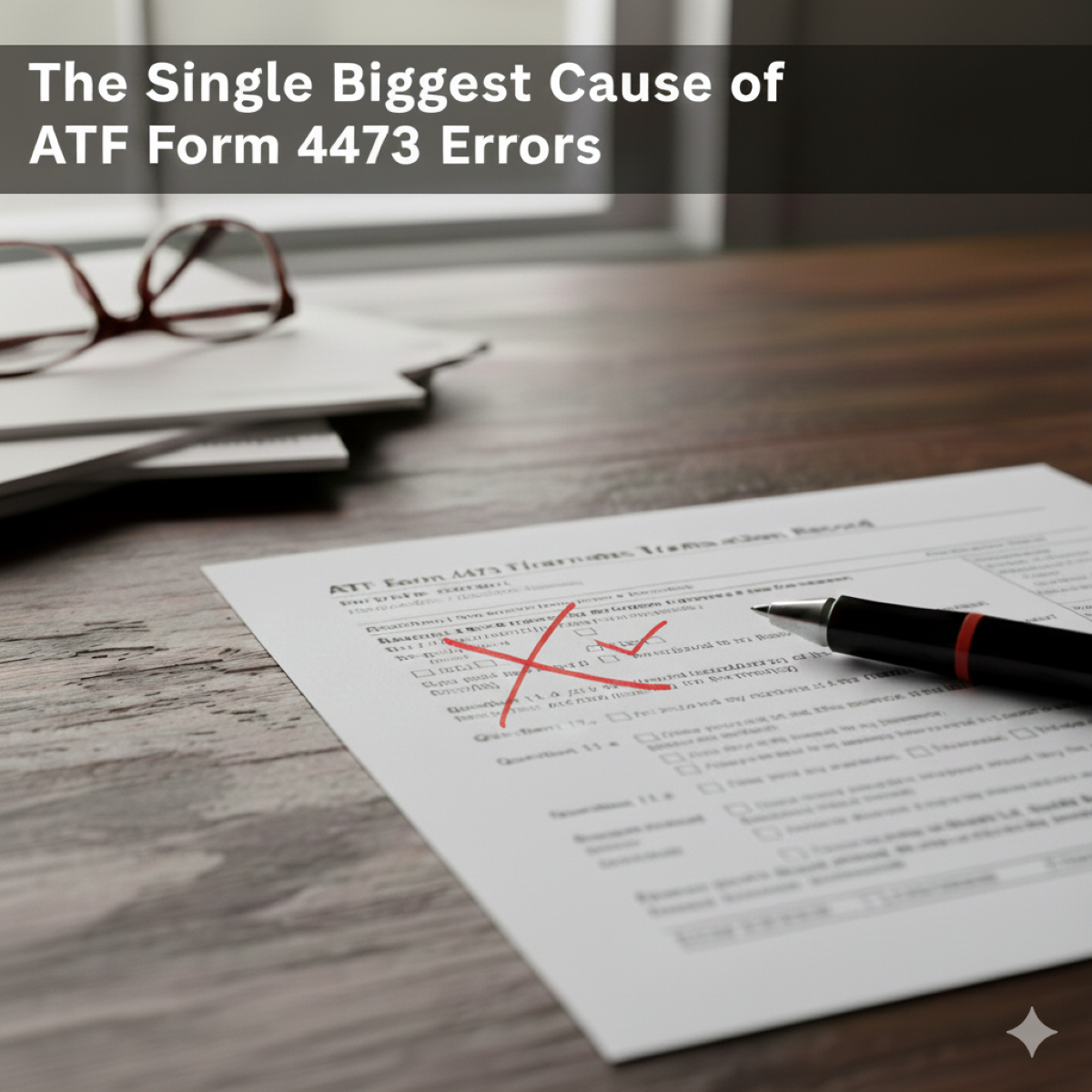
The ATF Form 4473, officially the Firearms Transaction Record, is the backbone of every legal, over-the-counter firearm sale in the United States. For both the Federal Firearms Licensee (FFL) and the buyer (transferee), completing it accurately is non-negotiable.
Yet errors remain common. A single mistake on a paper ATF Form 4473 isn’t just a minor inconvenience that halts a transaction; it represents a significant compliance failure that puts your entire business at risk. During a routine ATF compliance inspection (audit), such errors can result in Financial Penalties, License Jeopardy. It’s critical to have a good defense against penalties and license revocation.
So what’s the biggest culprit behind these compliance headaches?
The Biggest Cause: Incomplete or Inconsistent Information in Section A
While dealer-side errors in Sections B and C can lead to more serious violations, the majority of form rejections begin in Section A ,the portion completed by the buyer.
Most issues stem not from intent but from inconsistency or inattention. Even small variations between the buyer’s written information and their photo ID can cause mismatch and administrative rejection.
1️⃣ Inconsistent Residential Address (Box 10)
This is the top cause of administrative delays.
The ATF requires the transferee’s current physical residential address to be listed in Box 10, and it must match the address on the government-issued photo ID presented to the FFL.
The Common Error:
A buyer writes their current address, but their ID still lists an old address.
Or, they add “Apt. 2B” while their ID shows only “2B.” Even small discrepancies can trigger a rejection, requiring the buyer to provide additional proof (such as a vehicle registration or utility bill).
2️⃣ Misinterpreting the “Prohibited Person” Questions
Section A also includes questions about a buyer’s legal eligibility to possess firearms (21.b, 21.g, 21.i, 21.j, etc.), covering felony convictions, restraining orders, unlawful substance use, and more.
The Common Error:
Buyers may misread these legal definitions. For example, assuming a dismissed charge doesn’t apply when it legally does.
Incorrectly marking “No” where the correct answer is “Yes” (or vice versa) can constitute a felony and lead to a NICS denial.
3️⃣ Missing Dates, Signatures, or Checkmarks
Every box on the Form 4473 has legal significance.
It’s common for buyers to forget to check a box, skip the date (Box 18), or miss the signature (Box 19).
The FFL cannot continue the transaction until every required field is completed correctly.
✅ How to Prevent 4473 Errors
For Buyers:
- Bring a Current ID: Ensure your driver’s license or government ID matches your current physical address. If not, bring a supplemental document that proves residency.
- Read Carefully: Review each question closely. If you’re unsure, ask the dealer before answering.
- Double-Check Everything: Verify every “Yes” or “No,” date, and signature before submission.
For Dealers:
- Verify ID Accuracy: Confirm the photo ID matches the buyer and that the address aligns with the entry in Box 10.
- Review Section A: Before completing your portion, check for consistency and completeness.
- Log Details Correctly: Record the NICS check date/time, result, and disposition information immediately.
💡 How Bravo Store Systems Helps
Bravo’s E4473 eliminates these manual risks by guiding the process digitally:
- Validation at Entry: Buyers can’t skip required boxes or sign before all mandatory fields are completed.
- Automated Logic: Bravo’s Ee4473 applies ATF rules at every step, ensuring required documentation (like proof of residency) is entered correctly.
- Digital Accuracy: No handwriting errors, no missing checkboxes, and no unreadable entries.
- Retention to Spec: All digital 4473s are stored securely per ATF Ruling 2022-01, ensuring 20-year retention with audit-ready accessibility.
Result: Fewer corrections. Faster transactions. Complete peace of mind for your FFL.
🎯 Ready to Eliminate 4473 Errors for Good?
See how Bravo Store Systems E4473 helps FFLs stay accurate, compliant, and audit-ready 24/7.